◆ In short
At a copy shop an A4 in black and white starts at € 0.05, an A4 in colour at € 0.40: colour costs eight times as much, which is why on a long document it pays to print in colour only the pages that deserve it — charts, photographs, maps — and the rest in black. Double-sided halves the paper and the thickness, and on a 200-page course pack you feel it in your bag. Printing at home only looks free because you already bought the cartridge: counting ink, a colour page at home costs more.
What it costs, plainly
Our reference prices, here in Rome Prati, are these:
- A4 black and white: from € 0.05 per side
- A3 black and white: from € 0.20
- A4 colour: from € 0.40
- A3 colour: from € 0.80
Above 200 copies the per-page price drops: if you have a large run, ask first instead of printing in batches.
The figure that really matters is not the single price but the ratio: colour costs eight times black and white. On ten pages that is the price of a coffee; on a three-hundred-page course pack it is over a hundred euros either way, and the decision has to be made page by page.
The real trick: colour only where it counts
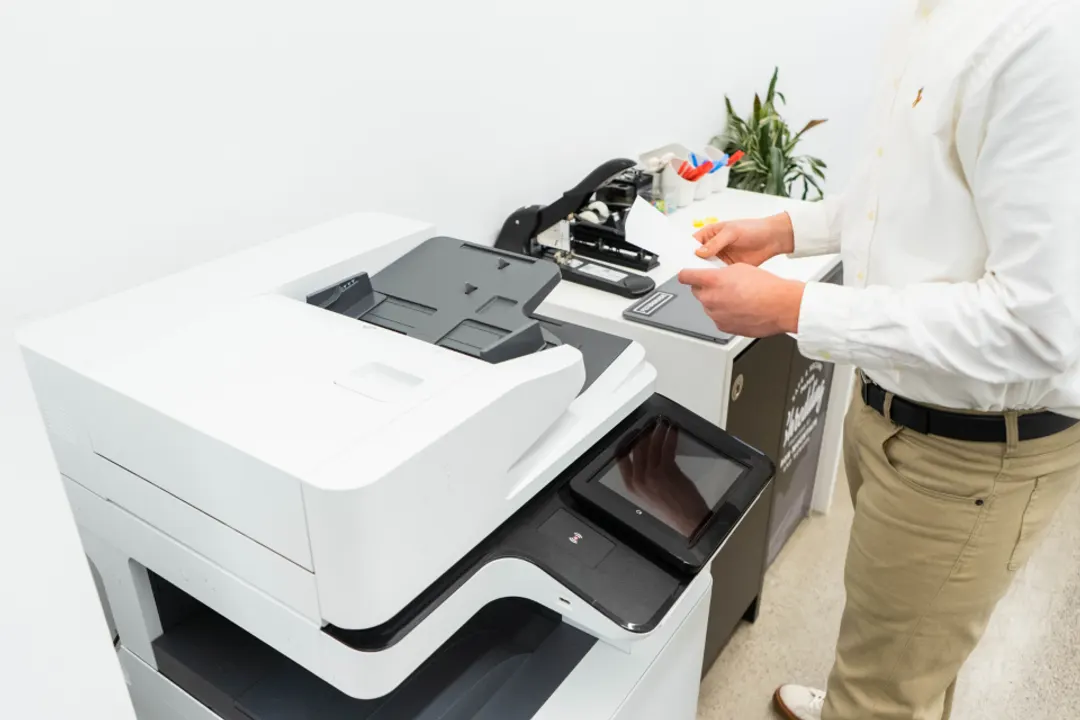
Almost nobody asks, and almost everybody needs it: within a single document you can print some pages in colour and all the rest in black and white. A thesis with twelve charts, a report with three maps, a catalogue with photographs only in the opening pages: you pay for colour on those and black on everything else.
On our website, when you upload a PDF, you can mark which pages you want in colour; at the counter just say so, or leave us the file and we will spot them — pages containing colour stand out at a glance in the preview.
The mistake to avoid is the opposite one: sending everything to black and white "to save money" when there is a pie chart with six slices inside. In greyscale those six slices become five indistinguishable shades, and the chart stops saying anything. If colour carries information, that page goes in colour.
Double-sided: when yes and when no
Double-sided halves the paper and halves the thickness, but costs twice a single side: the price is per printed side. For course packs, notes, drafts and documents meant to be read it is nearly always the right call.
There are three cases where single-sided is better:
- Documents to be signed or stamped, where each sheet must be handled on its own;
- Sheets that will be posted or pinned up — a double-sided sheet on a wall wastes half the work;
- Very light paper, below 80 gsm, where the reverse shows through and disturbs reading.
On that last point: the paper we use as standard is a good-quality 80 gsm opaque, which handles double-sided printing without show-through. Not all 80 gsm papers are equal — supermarket copier paper certainly shows through — and you notice the difference the moment you turn the page.
"But I have a printer at home"
The printer at home feels free because the money is already spent. The real reckoning is on ink: a colour inkjet cartridge costs between twenty and forty euros and yields a few hundred black-and-white pages — far fewer if you print photographs or solid backgrounds. The per-page colour cost of a home printer easily exceeds a copy shop's, and output shifts page by page as the cartridge empties.
Then there are the things you cannot do at home: A3, heavy stock, binding, lamination, printing on special papers. And there is time: three hundred pages on a home printer means an hour of waiting, three paper jams and a cartridge change halfway.
When the home printer genuinely wins: a few pages, right now, at night. For everything else the maths falls the other way.
How to send a file so it prints as you see it
One piece of advice beats all the others: send a PDF, not a Word file.
A Word document lays itself out according to the fonts installed on the computer that opens it. If you used a typeface we do not have, the text reflows: lines change, the table of contents no longer matches, an image slips onto the next page — and you only find out once it is printed. A PDF carries its fonts inside and prints identically anywhere.
From Word: File → Save as → PDF. From Google Docs: File → Download → PDF Document. If the file also has to be valid for archiving (theses, legal documents), you need PDF/A, which is a PDF with stricter rules — and there is a dedicated guide for that.
One last thing: if your document mixes landscape and portrait pages, tell us. PDF handles it well, but folding and binding do not: those have to be decided beforehand.
Frequently asked questions
How much does a black-and-white photocopy cost?
An A4 in black and white starts at € 0.05, an A3 at € 0.20. Above 200 copies the per-page price drops: for large runs it is worth asking for a quote instead of printing in batches.
How much does a colour print cost?
A4 colour from € 0.40, A3 from € 0.80. In practice colour costs eight times black and white, which is why on long documents it pays to print in colour only the pages that genuinely need it.
Can I print only some pages in colour and the rest in black and white?
Yes, and it is the request that saves the most money. You can mark which pages you want in colour when you upload the PDF on our site, or just tell us at the counter. On a three-hundred-page course pack with twelve charts the difference is about a hundred euros.
Should I send a PDF or is Word fine?
PDF, whenever you can. Word re-flows according to the fonts installed on the machine that opens it: if you used a typeface we do not have, lines and images shift and the table of contents no longer matches. A PDF carries its fonts with it and prints the same everywhere.
Is it cheaper to print at home or at a copy shop?
For a few pages, right now, home. For everything else the copy shop wins: counting ink, a colour page at home easily costs as much as ours, and at home you cannot do A3, heavy stock, binding or lamination. On medium and large runs there is no contest.
◆ Keep reading
◆ Ready to print?